


[video] How to easily navigate an online course

Key takeaways
- All courses are now accessible in one place with a new account layout using a single username and password.
- The new course layout is user-friendly across all devices, including desktops, laptops, tablets, and smartphones.
- Courses feature a modular structure, making it easy to navigate through various modules, some of which include homework.
- Progress tracking allows users to mark course modules as completed, enhancing learning management.
- A new ‘dark mode’ feature provides a comfortable viewing experience during long study sessions.
New account layout
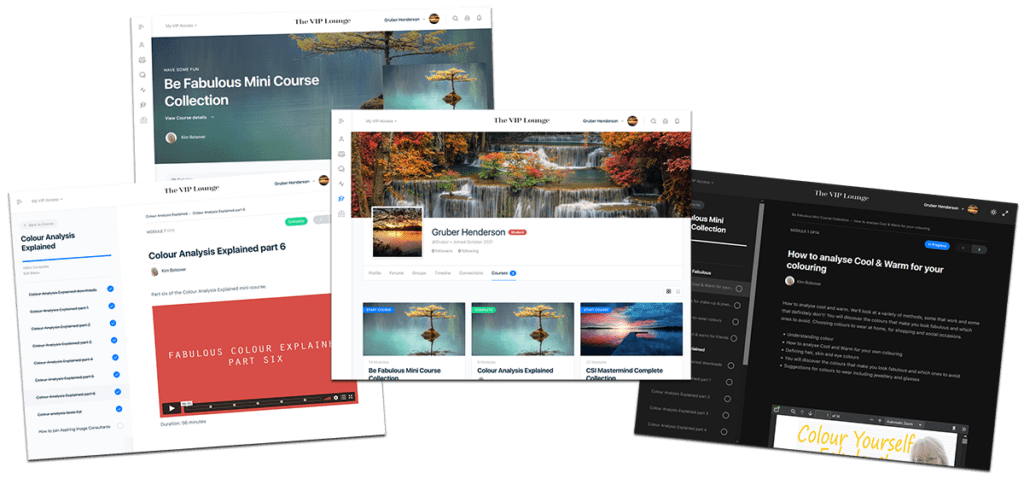
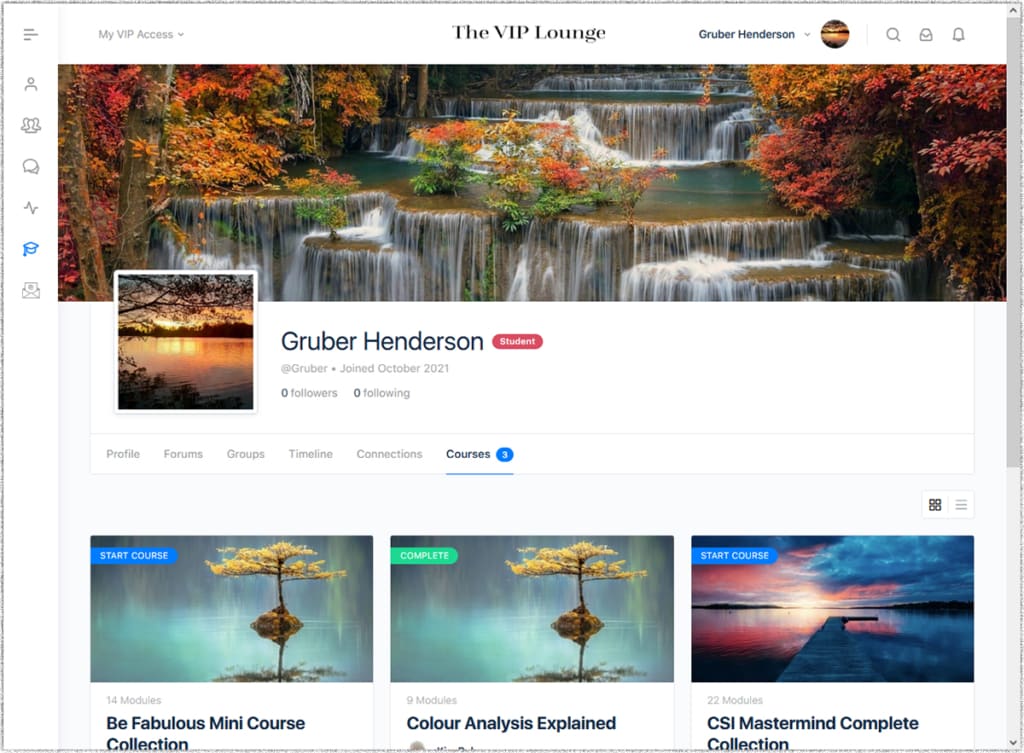
All our courses can now be accessed in one place, with a brand-new account layout using just one username and password.

New course layout
All of our courses have a brand-new layout that’s easy to use across all devices – desktops, laptops, tablets, and smartphones.
New course modular structure
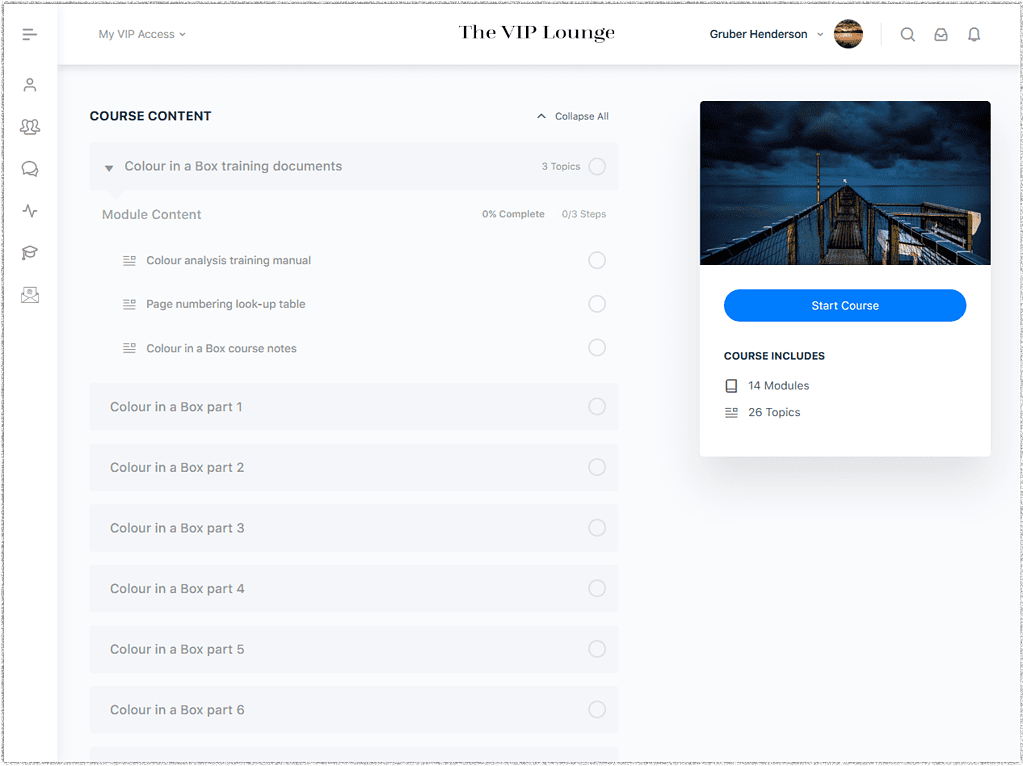
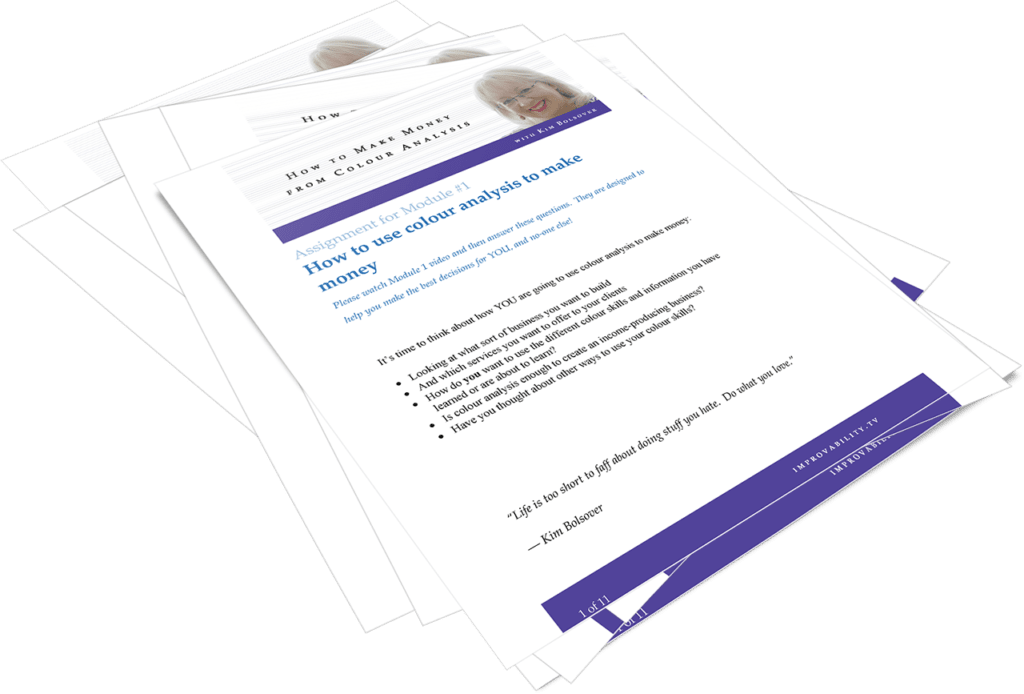
All of our courses have a brand-new modular structure that’s easy to use no matter how many modules there may be. Some modules include homework too!
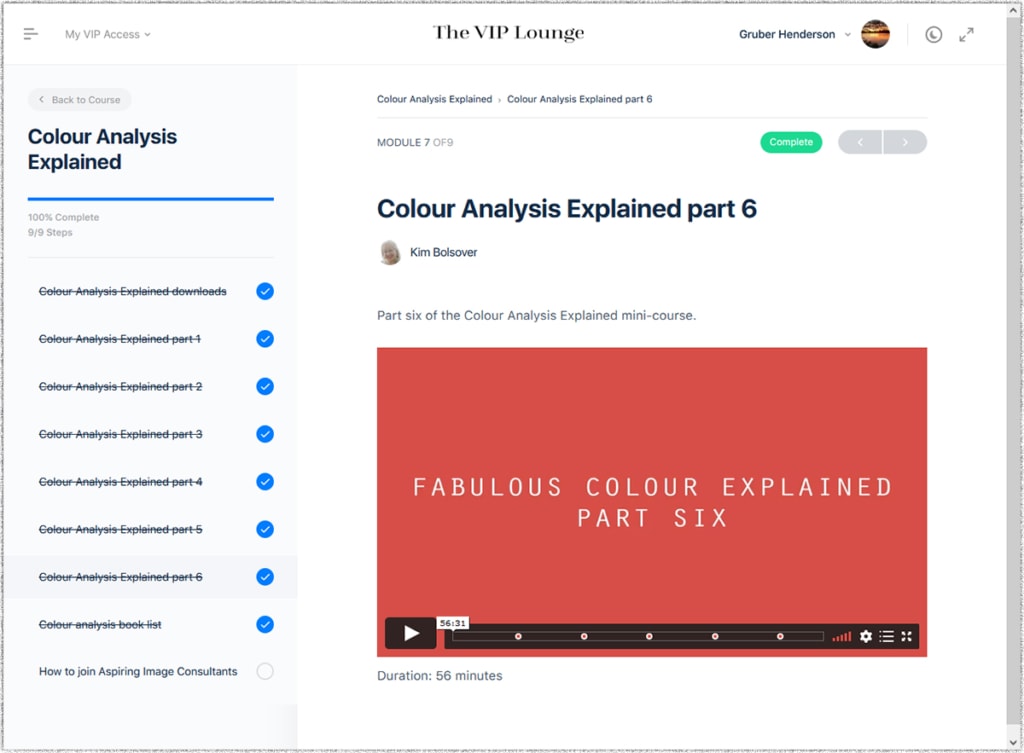
New course progress tracking
All of our courses have a brand-new course progress tracking feature. It’s easy to mark course modules as completed as you work your way through your learning and move around the course.
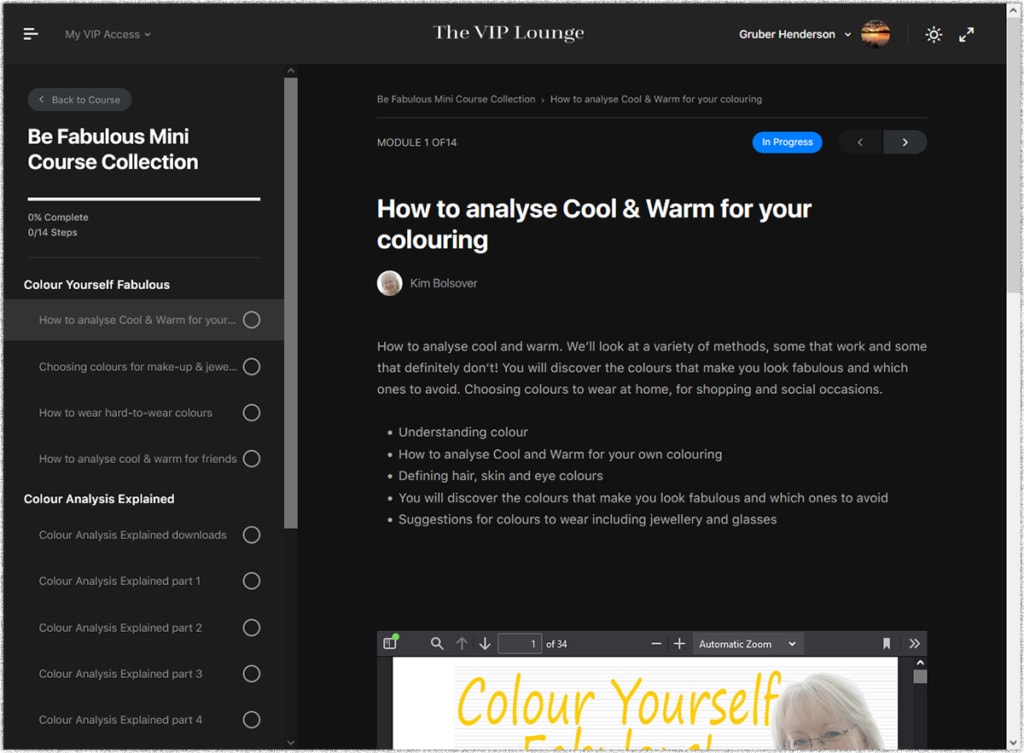
New ‘dark mode’
A brand-new ‘dark mode’ feature to make browsing course content so much more restful on your eyes when using a bright screen for long periods.